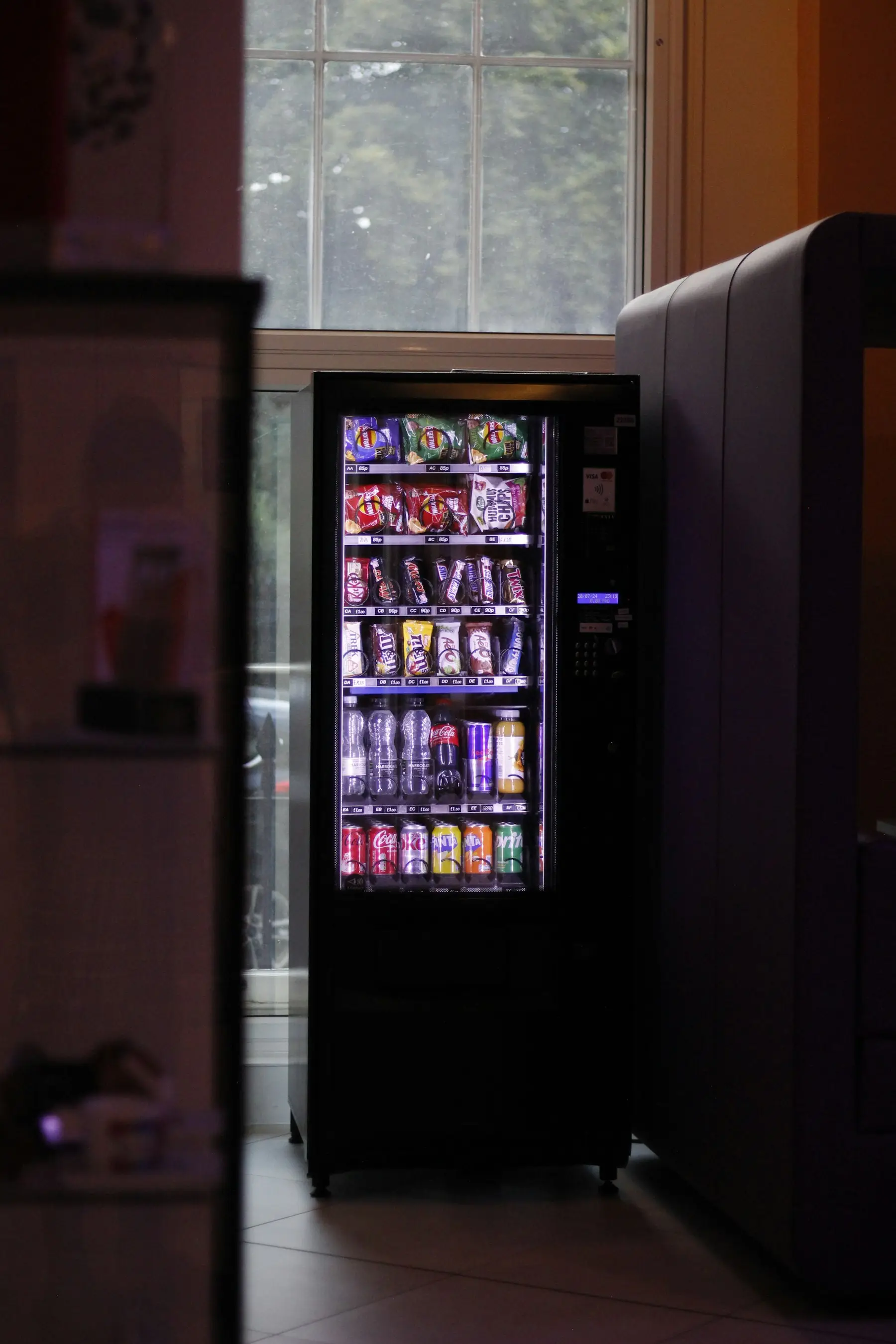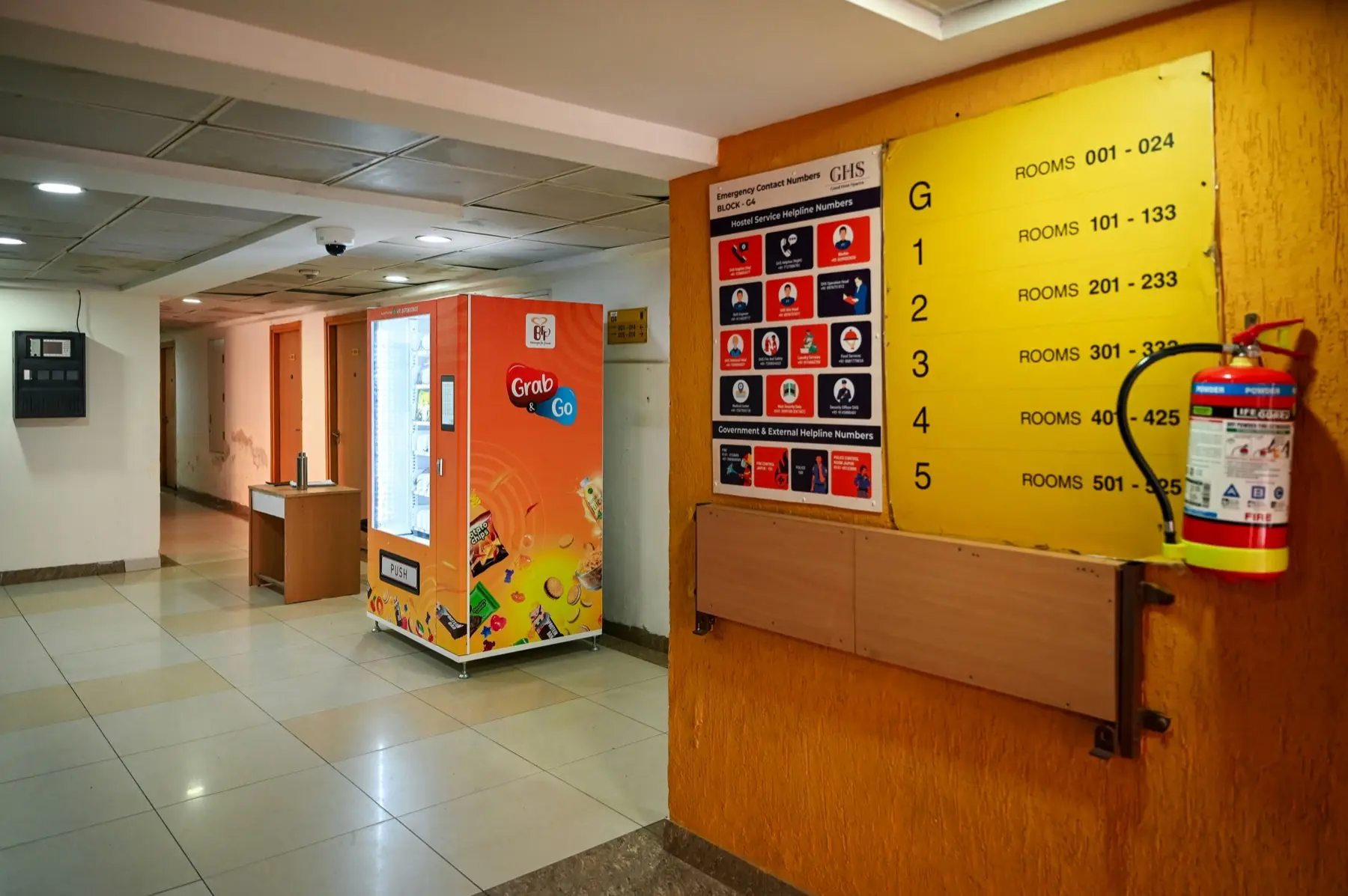
Google’s eligibility rules say a business must make in-person contact with customers during its stated hours, and list exceptions: ATMs, video-rental kiosks, and express mail drop boxes, which must include contact information so customers can get help, plus seasonal businesses and delivery-only food services (Google). Vending machines are not on that list. A vending operator who drives to machines at other businesses fits Google’s service-area business type: one profile for the business, the home or office address hidden, and a service area of cities or postal codes (Google).
This page covers setup, verification, and the review rules from Google and the FTC. Finding and signing locations is covered in how to pitch a placement, vending machine locations, and what locators charge; a profile is one more place a host or a customer can look you up.
Setup, in order
- 1Pick the profile typeService-area business if no customer visits your address. One profile for the area you serve.
- 2Enter the business nameThe name on your invoices and signage. No keywords, no city, no LLC unless your branding uses it.
- 3Choose a primary categoryThe most specific one from Google's list. You cannot make up a category.
- 4Hide the address, add areasUp to 20 cities or postal codes, within about two hours' drive.
- 5VerifyPhone, email, live video call, video recording, or postcard, whichever Google offers you.
- 6Photos and review linkMachines and products as they look, then the review QR code from a computer browser.
Whether a vending machine can have its own profile
Google’s rules do not answer it by name. The eligibility page lists the exceptions to the in-person rule, and a vending machine is not among them (Google). Google does give an ATM inside another business as an example: a “Cardtronics ATM” inside a 7-Eleven takes the category ATM, and the 7-Eleven does not add ATM to its own profile (Google). The same page rejects a name like “Chase ATM (in Duane Reade)”, so a profile for a machine could not name the building it stands in.
Other rules on the same pages work against a profile per machine:
- A business showing its address on Google should keep permanent fixed signage of its name at that address (Google).
- Video verification for an address shown on Google asks for the business name on a permanent fixture, such as a signboard, wall, or window, and proof of management, such as opening a cash register or a storage room (Google).
- Google says there should be one profile per business, and not more than one page for each location (Google).
I’d set up one service-area profile for the business and leave individual machines off. The eligibility exceptions name ATMs, kiosks, and drop boxes but no vending machine, and a machine in a host’s break room has none of the signage or staff that the address rules ask for.
One more limit applies to some vending. Google does not allow a business selling products with a minimum customer age, such as alcohol, cannabis, or weapons, to be a service-area business without a storefront (Google). Federal rules set 21 as the minimum age to buy tobacco products (21 CFR 1140.14), so I’d read Google’s rule as covering a vape vending business too, even though Google’s examples do not name tobacco.
Service-area business setup: hide the address
Google defines a service-area business as one that visits or delivers to customers but does not serve them at its own address, and says it can have only one profile for the whole area it serves (Google). If you run the business from home, Google’s example is a plumber working from a home address, who should clear the address from the profile (Google).
The service-area settings (Google):
- Up to 20 service areas, set by city, postal code, or another named area.
- No radius around your address. Older profiles set up with a radius cannot edit it.
- The whole area should be no more than about two hours of driving from where the business is based.
- Approved edits can take up to 48 hours to show.
A hybrid business shows its address and also has a service area. Without permanent on-site signage, Google says the business is not eligible as a storefront and should be listed as service-area (Google), and the address should be staffed and able to receive customers during stated hours (Google). A virtual office that is not staffed during business hours, a co-working office without clear signage and staff, and a P.O. box or mailbox at a remote location are not acceptable addresses (Google).
Business name rules
The name must match what you use on your storefront, website, and stationery. Among the additions Google does not allow: marketing taglines, store codes, hours, phone numbers or URLs, service or product descriptions, location details, and legal terms like LLC or Inc unless signage, business cards, or invoices consistently show them (Google). Extra words in the name can get the profile suspended.
So “[Name] Vending” can be a profile name, and “[Name] Vending Snack Machines [City]” cannot, unless that whole string is the name on your paperwork. The same page also bars keywords and URLs in address lines. If you are still choosing a name, the name generator produces options; the name you register with the state (business license and LLC) is the one to use on Google.
The business description field has its own limits: no links of any type, and no focus on promotions, prices, or sales (Google).
Google Business Profile categories for vending
Google’s category picker only accepts categories from its list, and you cannot create your own (Google). Google’s help page on categories does not include the full list. PlePer, a third-party tool, publishes a copy, and searching it for vending returns five categories (PlePer):
| Category on PlePer’s list | What the name describes |
|---|---|
| Vending machine supplier | A supplier of vending machines |
| Coffee vending machine | A coffee machine |
| Electronics vending machine | A machine selling electronics |
| Beauty products vending machine | A machine selling beauty products |
| Skin care products vending machine | A machine selling skin care products |
PlePer’s list also has Amusement machine supplier and Ice supplier. We found no category on it named for a vending operator or a vending route.
Google’s rules for choosing (Google):
- Use as few categories as possible, and the most specific one that describes the core business.
- Pick categories that complete “this business IS a”, rather than listing what it has or sells.
- Do not use categories as keywords, and do not add categories for a business your business sits inside.
- If no specific category fits, choose a more general one.
Editing a category can trigger re-verification (Google). For a snack, drink, or smart cooler route, I think Vending machine supplier is the closest primary category on the list: the other four describe a single machine type, and Google asks for the category that describes the whole business.
How verification works
Google picks which verification methods a profile gets, based on business type, public information, region, and hours, and you cannot change them. Some profiles have to verify with more than one method (Google):
| Method | What Google says |
|---|---|
| Phone or text | A code by call or text to the business number. Automated phone menus cannot receive it. |
| Follow the steps in the email sent to the address on the verification screen. | |
| Live video call | With a support representative, during your business hours. Not offered to every business. |
| Video recording | One unedited recording of at least 30 seconds, filmed live on a mobile device through the profile (Google). |
| Postcard | A 5-digit code by mail. Most arrive within 14 days and codes expire after 30 days. |
After you submit, Google’s review takes up to 5 business days (Google). While a postcard is in the mail, Google says not to edit the business name, address, or category, or to request a new code, since either makes the code in the mail stop working.
For a service-area business, the verification video must show three things (Google):
- Where the business operates: street signs or landmarks at the business address. A home-based business can film signs in its own neighborhood.
- That the business exists: the tools, equipment, or products you use, such as machinery, business cards, or branded clothing.
- That you manage it: you performing the service or opening business-only assets, such as unlocking a van with your business branding, or a business permit, invoice, or utility bill in the profile’s name.
The video must not show other people’s faces, bank or tax numbers, or private information. A route operator’s equivalents are a stock room, a machine being unlocked and restocked, and the seller’s permit in the business name. Film around anyone else in a host’s building.
Google review rules for a vending business
Google allows a business to ask customers for reviews that reflect a genuine experience. It does not allow a business to (Google):
- offer payment, discounts, or free goods or services in exchange for a review, or for changing or removing a negative one;
- discourage or prohibit negative reviews, or ask only satisfied customers;
- require or pressure customers to leave a review while on the premises, or ask for specific content;
- post reviews based on a conflict of interest, which Google says can include current or former employment, a contractual relationship, or family ties.
A free snack, a vend credit, or a coupon for a review is an incentive under that policy. If Google finds fake engagement on a profile, it can block new reviews for a period, unpublish existing reviews for a period, and show customers a warning that fake reviews were removed. It notifies the owner by email, and the owner can appeal (Google).
A host location is in a contract with you. Google names a contractual relationship as a conflict of interest, so a review from the host’s manager about your service sits inside the rule.
The FTC rule on fake reviews: 16 CFR Part 465
The FTC announced its final rule on consumer reviews and testimonials on August 14, 2024 (FTC), and it took effect on October 21, 2024 (FTC Q&A). It covers reviews on third-party platforms such as Google as well as on your own site (16 CFR Part 465):
- Fake reviews (§ 465.2). A business cannot write or sell a review that misrepresents whether the reviewer exists or used the product, or buy one it knew or should have known was fake.
- Paying for a sentiment (§ 465.4). A business cannot give compensation or another incentive in exchange for, or conditioned on, a review expressing a particular sentiment, positive or negative.
- Insider reviews (§ 465.5). An officer or manager who reviews their own business must clearly disclose the relationship, and a manager who asks employees or relatives for reviews has to tell them to disclose the relationship and act on undisclosed reviews they know about.
- Review suppression (§ 465.7). Nobody can use groundless legal threats, physical threats, intimidation, or knowingly false public accusations to stop a review or get one removed.
The rule lets courts impose civil penalties for knowing violations (FTC Q&A). Two points in the FTC’s Q&A matter for a small operator. The rule does not ban incentives for reviews unless they require a particular sentiment, but not disclosing an incentive could violate the FTC Act. And the rule has no specific ban on asking only happy customers for reviews, but the FTC says that practice could also violate the FTC Act.
Google’s policy is stricter than the FTC rule on incentives: Google bans any incentive, and the FTC rule bans those tied to sentiment. I’d follow Google’s version, since Google is the one that can lock the profile’s reviews.
Review links and QR codes on a vending machine
Google gives every profile a review link and a QR code. The QR code can only be generated in a computer browser, from the profile’s Read Reviews section, under Get more reviews (Google). Google suggests putting the link on receipts and in thank-you emails, and displaying the QR code in your store. A sticker on the machine is the vending version of that.
Customers need a Google Account to leave a review (Google). Under Google’s policy, the sticker can ask for a review. It cannot offer anything for one, ask only for five stars, or appear only on machines where customers are happy.
Put the refund contact on the same machine. Google requires contact information for customers to get help on ATMs, video-rental kiosks, and express mail drop boxes (Google), and a customer who lost money in a machine needs the same thing. The placement agreement should already say who handles refunds.
Posts and photos
Posts. A profile can publish three kinds of post: updates, offers with a title, dates, and time, and events. Posts older than 6 months are archived unless they have a date range, and posts with a phone number Google cannot verify as connected to the business may be rejected (Google). Google lets businesses in regulated industries, tobacco and alcohol among them, use posts, as long as the posts do not include content about those products. A new machine at a location or a product added to a cooler fits the update type.
Photos. Photos and videos only show on Google after the profile is verified. Google’s standards (Google):
| Photos | Videos | |
|---|---|---|
| Format | JPG or PNG | Not stated |
| Size | 10 KB to 5 MB | Up to 75 MB |
| Resolution | 720 x 720 px recommended, 250 x 250 px minimum | 720p or higher |
| Length | Up to 30 seconds |
Google asks for photos that represent reality, in focus and well lit, without heavy filters. Uploads are reviewed and show as pending, live, or not approved.
What Google says about local ranking
Google says local results are mainly based on relevance, distance, and popularity, and explains the third factor under the heading prominence: how well-known a business is, including how many websites link to it and how many reviews it has. It also says there is no way to request or pay for a better local ranking, and that more reviews and positive ratings can help (Google). Google keeps the rest of the algorithm confidential, and we found no Google figure for how much any single factor counts.